Learn stage lighting by running it.
A free stage lighting course and a free lighting tool for theater class. Light a 3D stage, record cues and print the paperwork.
Free. No account. Nothing to install.
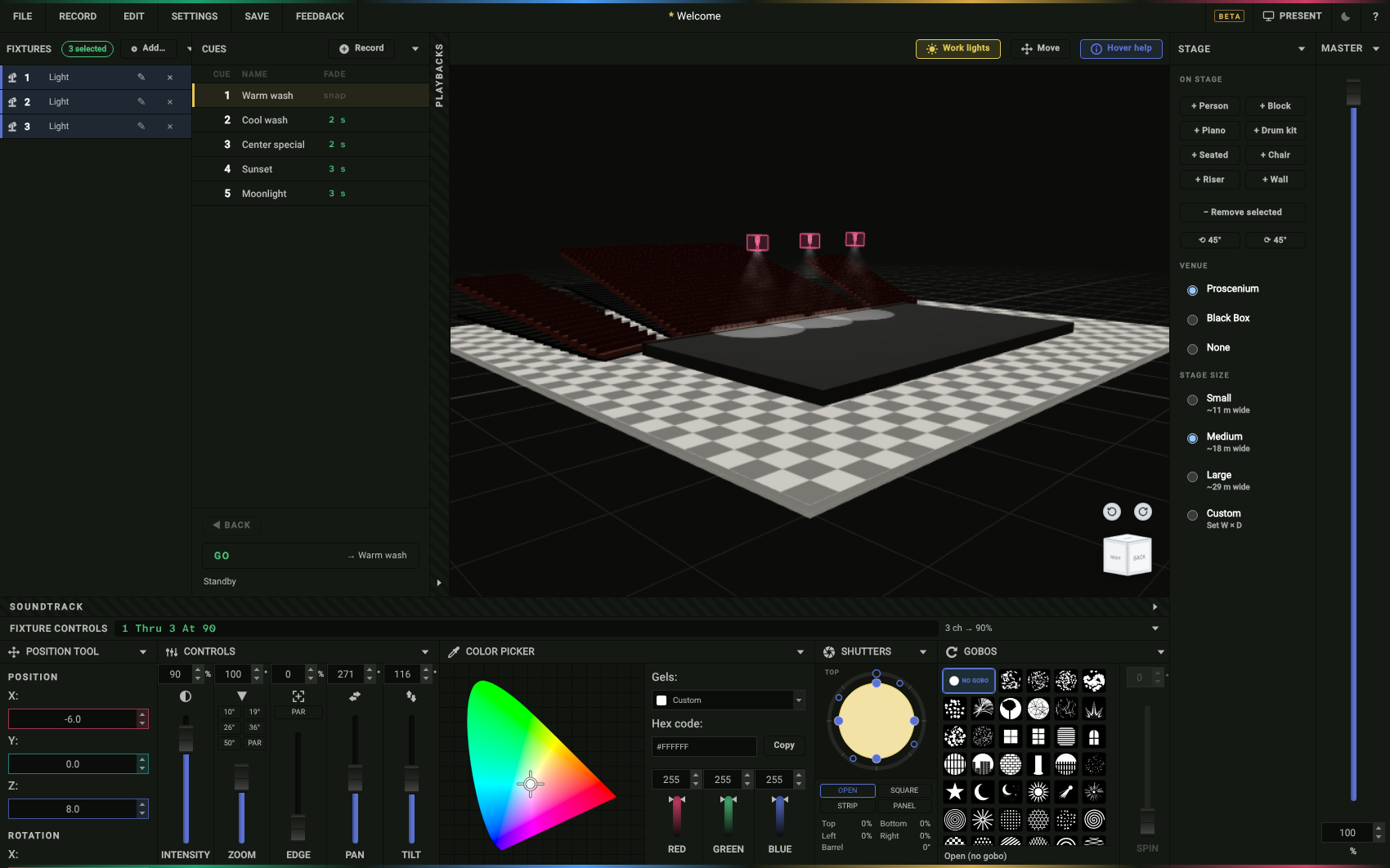
Limelight Learn: a free lighting course
24 lessons, from what light does on a stage to hanging, color, the board, cues and calling a show. Every practice screen is the real Limelight stage, right in the lesson.
Free, no account. Students save their progress as a short code.
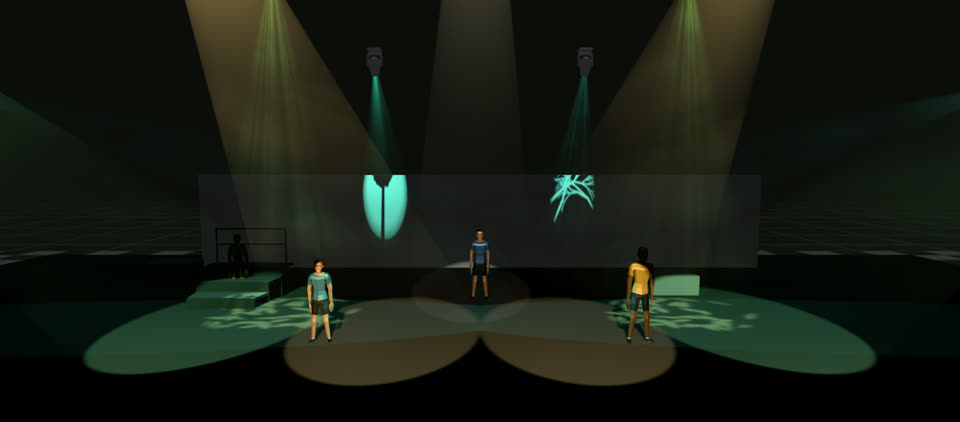
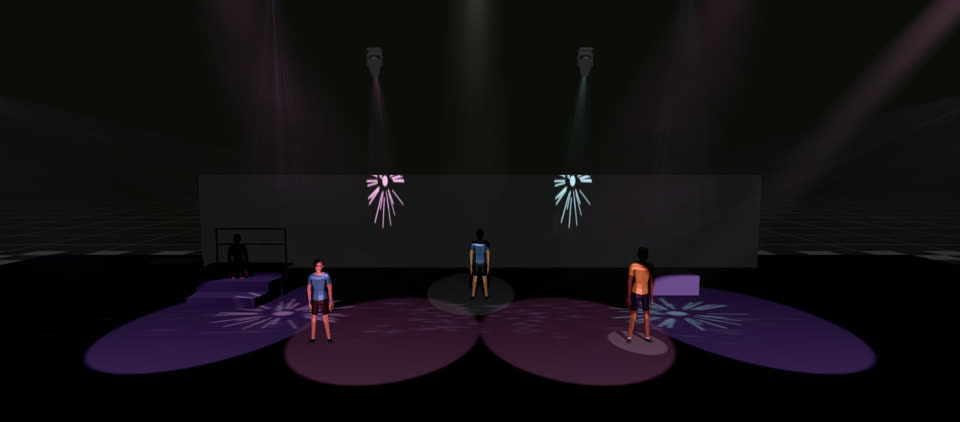
Hands-on, not slides
Practice screens put a light, a fader or the board in front of the student, and the step ticks when they get it right.
Made for a class
A class code picks the lessons. Teacher notes follow the projector, and Present mode puts the lesson on the big screen.
Your theater’s safety rules
Tick your rules and students learn each one with the reason for it, then answer questions on them.
A final exam and a certificate
Finish every lesson, pass one exam, and the certificate has the student’s name on it. Teachers can check it’s real.
Real photos, real boards
Pictures from real theaters, and the keys of the ETC boards students will meet.
Works on school computers
Nothing to install and nothing for IT to approve. Progress travels as a short code a student can keep or hand in.
Lighting: what you can do
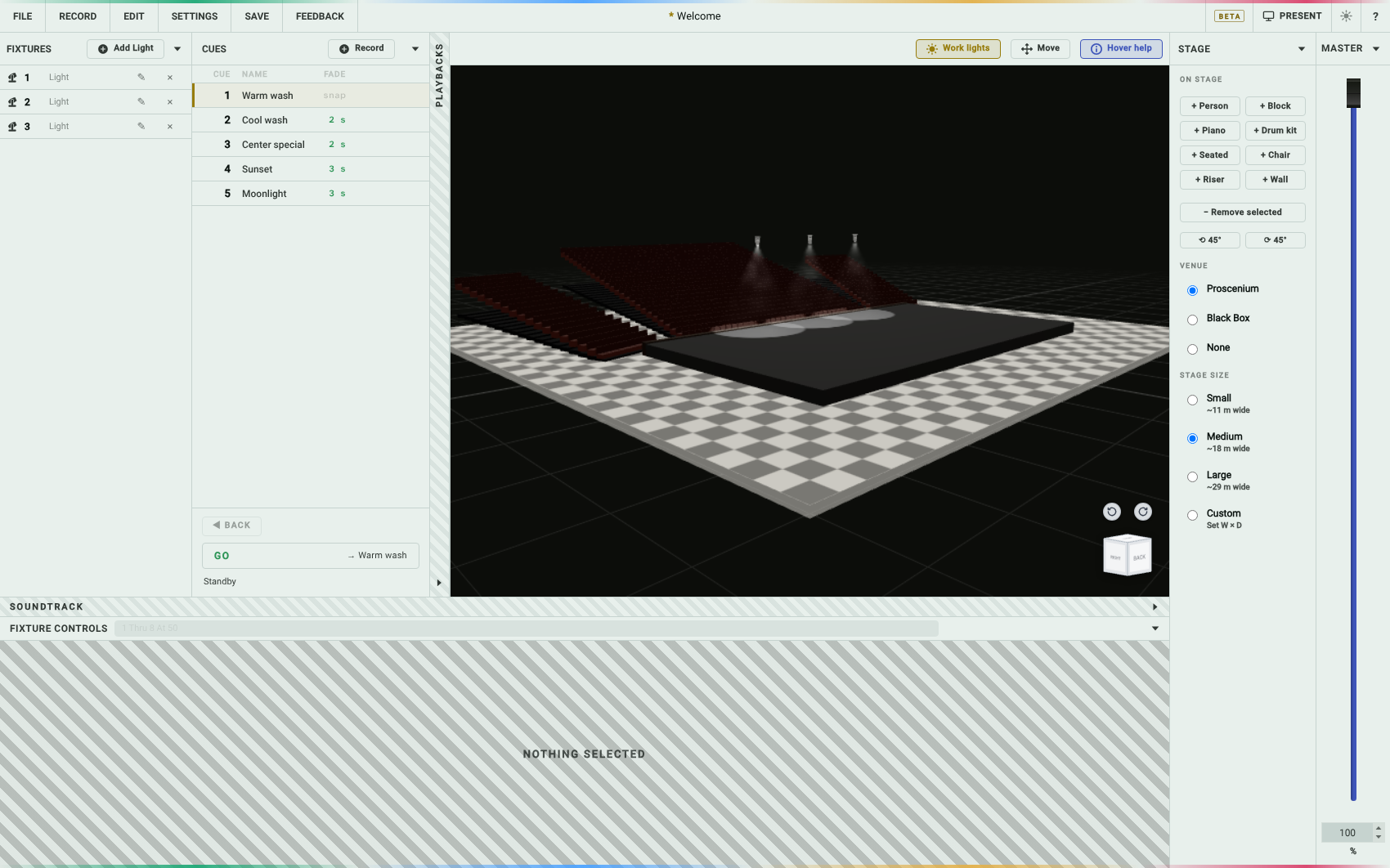
Do what a designer does before the first cue-to-cue, with no theater, ladder or board.
Hang the plot
Front of house, the electrics, booms, box booms. Give each light the channel number the board uses.
Aim and color
Pan, tilt, zoom, edge, gobos. Pick a color off the wheel or by gel number and watch the beam land on the deck.
Record cues
Build a look, record it, press GO. Fades run in real time, so you can see whether a three-count is long enough.
Print the paperwork
Plot, hang sheet, cue sheet and the board keystrokes, in one PDF.
Set the stage
Drop in people, risers, walls and props. Walls block light, so the shadows are real.
Show someone on your phone
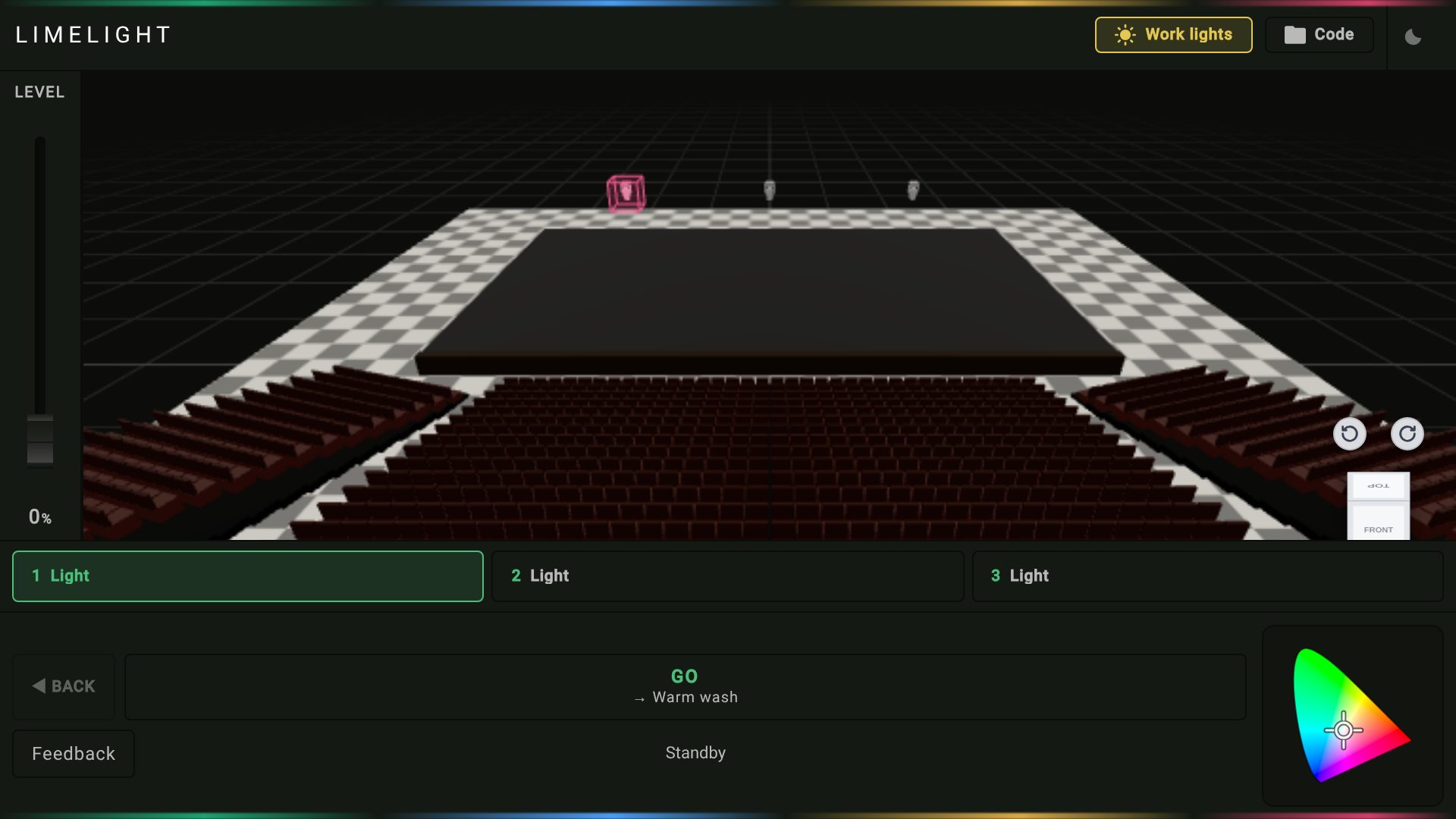
The stage, a fader, a color wheel and the cue buttons. Hand it to somebody and they get it in fifteen seconds.
Works like a real console
Type 1 Thru 8 At 50 and eight lights come up to fifty, just like on an ETC Ion.
The paperwork prints the keystrokes, so what you practiced is what you type on the night.

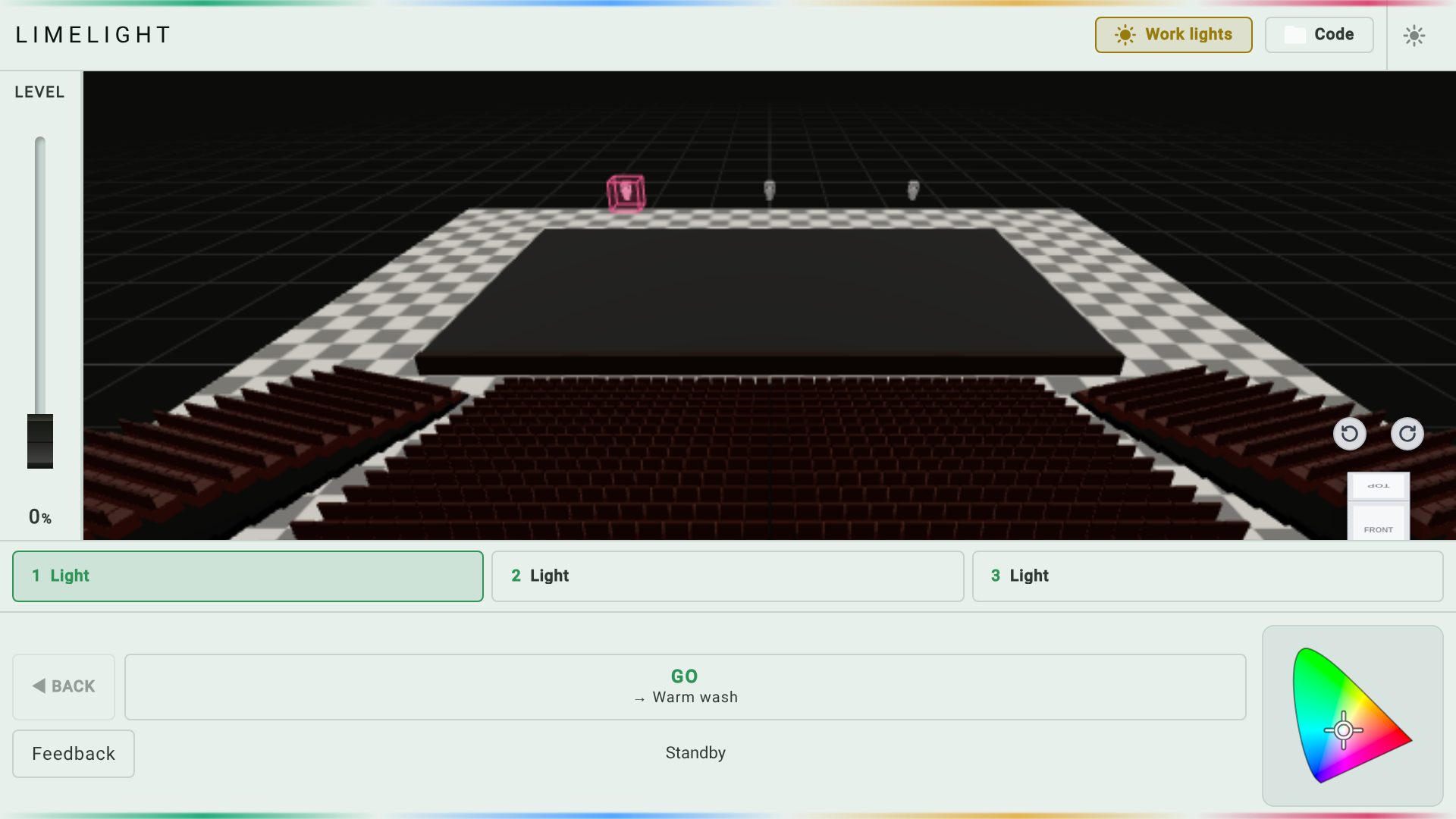
Light or dark. It remembers.
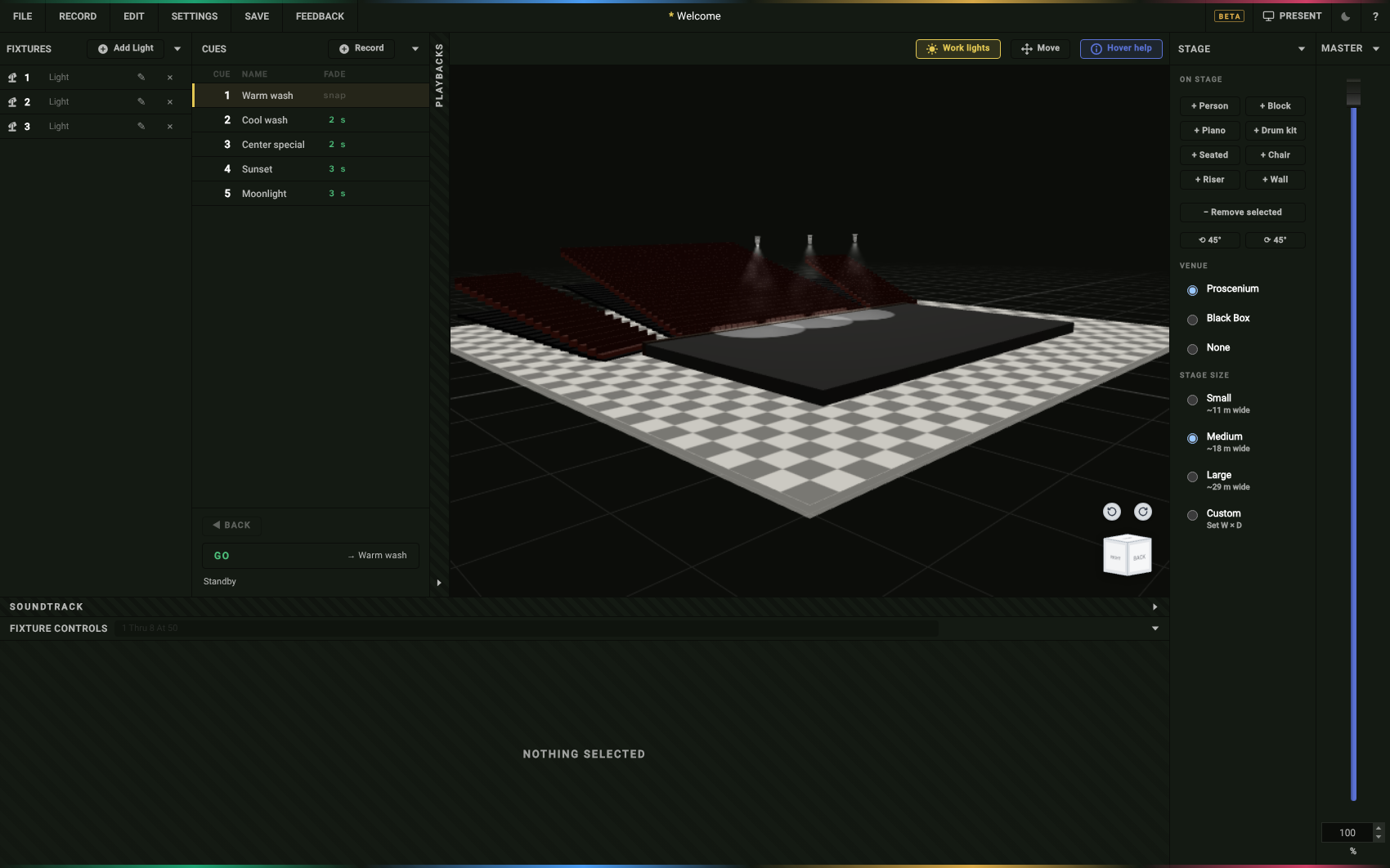
Lighting: have a go, right here
Tap a light, pull the level, pick a color, press GO.
Who it's for
Students
Learn the light board and the lighting cues without waiting for the theater to be free.
Theater teachers
A whole class can design plots at once, each in a browser tab.
Community theater
For the volunteer who just got handed a lighting board and a week.
Designers
Rough a look before load-in, and leave with paperwork.
Board operators
Learn the console and the cue list before the show instead of during it.
Stage managers
See what every cue does before you call it, and hand the operator a matching cue sheet.
Questions
The short answers. Or skip them and try it.
Start Limelight Learn →Do I need to install anything?
No. It's a web page. Nothing for IT to approve, nothing to update.
Do I need an account?
No. Open it and start.
Does it cost anything?
No. It's free. No card, no trial.
Where do my shows get saved?
Nowhere, unless you save. Press Save and pick a show file, a text file with a setup code, or just copy the code. Any of them brings the whole show back. The browser doesn't keep your show between visits.
Nothing is uploaded.
How many lights can it handle?
Enough for a school plot. Very large rigs are where the browser hits a wall.
Will the paperwork work with my board?
It prints the plot, hang sheet, cue sheet and keystrokes in ETC and grandMA conventions.
Does it work on a phone?
There's a viewer for showing somebody: the stage, a fader, a color wheel and the cue buttons. Paste a setup code from your computer and your show opens on the phone. Designing happens on a computer.