What students practice
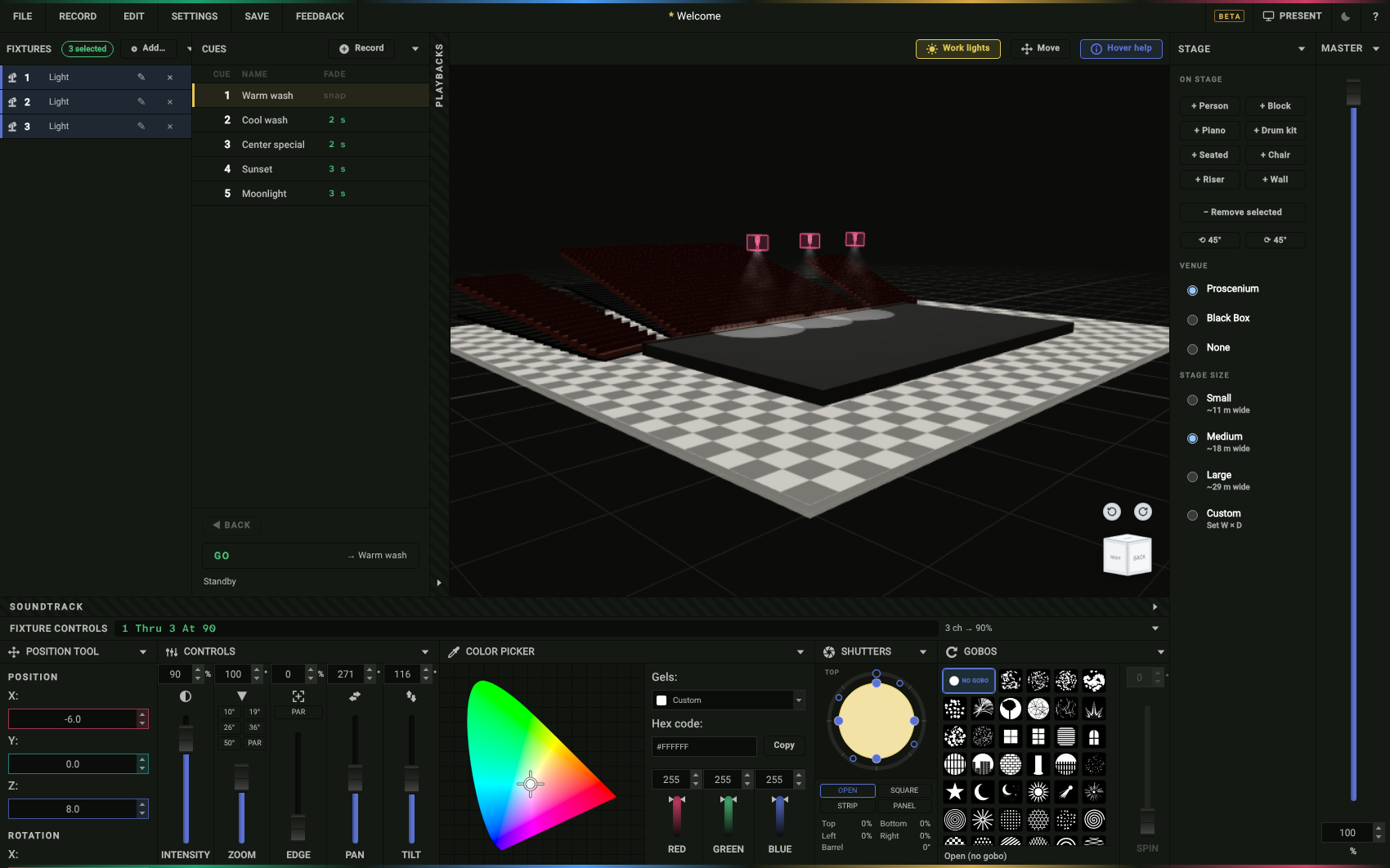
- Hang a plot. Every light gets the channel number the board uses.
- Angle and color. Front, side, back and top light on a person; gels by number.
- Run the console. Type 1 Thru 8 At 50, Record, Go, the way an ETC Eos board takes it.
- Record cues. Press GO and watch the fade in real time.
- Print the paperwork. Plot, hang sheet, cue sheet and keystrokes in one PDF.
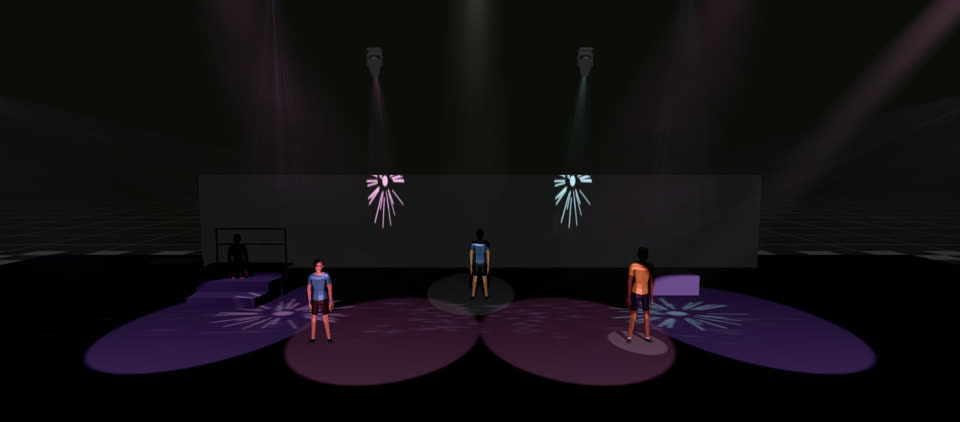
A course that runs inside the tool
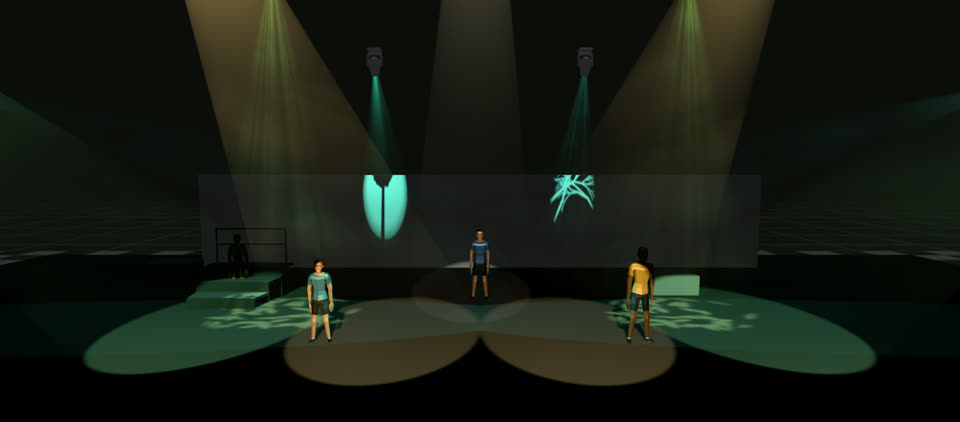
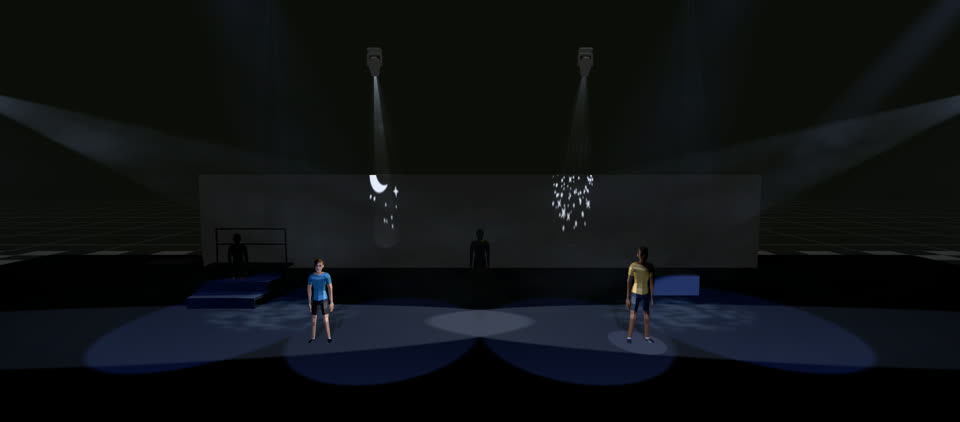
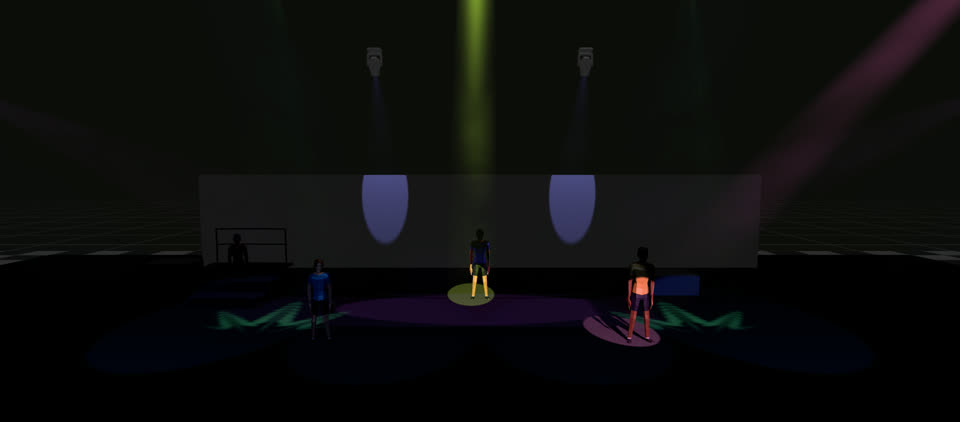
Limelight Learn is a free 24-lesson course, from light and angle to the board, cues, gobos and the follow spot. Every practice screen is the real tool with only the controls that lesson needs.
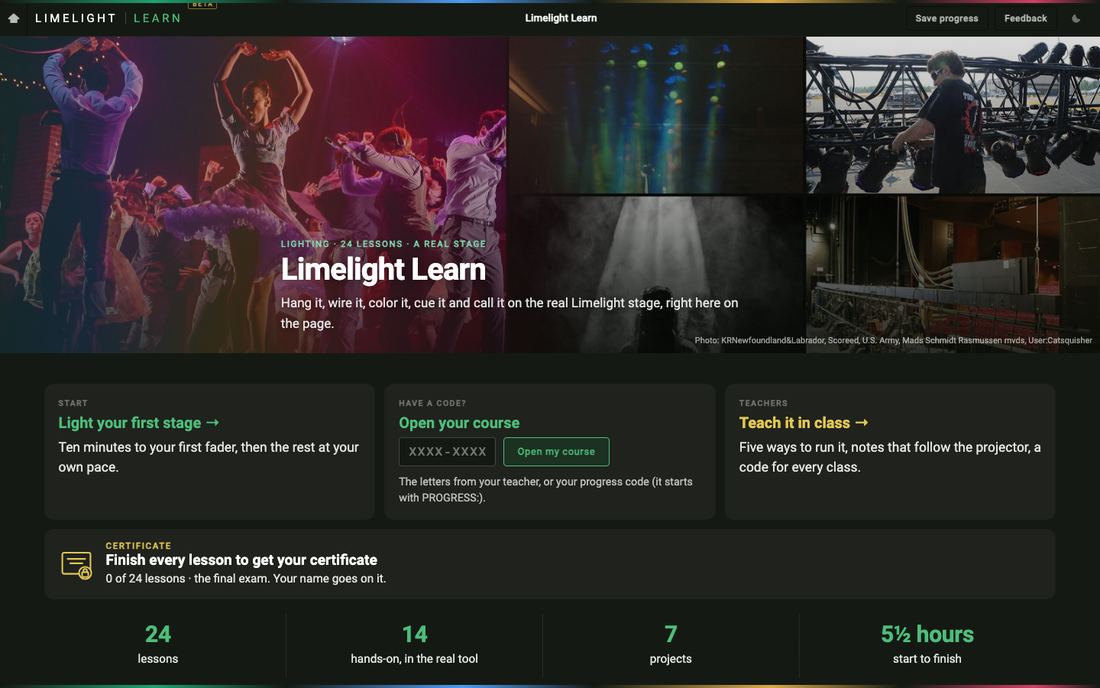
Make a class code on the Assign tab and hand it out. Students show their progress page or hand in a progress code.
Ready in a minute
Free, for real
No paid tier, no trial, no card, no ads.
Nothing to install
A current browser on any school computer. Nothing for IT to approve.
No accounts
Nothing is collected about a student. Work saves as a short setup code or a file; the browser does not keep a show between visits, so save before closing the tab.
A whole class at once
Thirty students, thirty tabs, each with their own plot.
Matches your board
Paperwork prints ETC Eos keystrokes, and the USITT ASCII export opens in Eos software.
Built for a school plot
One light can stand for a group of real lamps, so 32 lights cover a much larger rig.